Connect a TV

Enter the code from your TV.

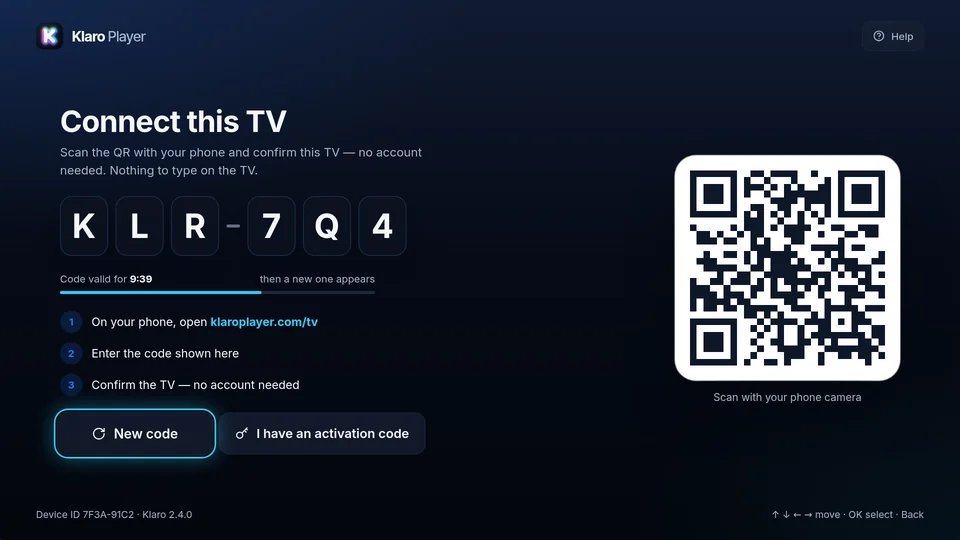
Open Klaro on your TV. It shows a six-character code. Type it here and the TV is ready a moment later.

What is the code for?

Codes last 15 minutes and work once. If yours has run out, the TV shows a new one.

No account needed. Sign in only if you want this TV on your Klaro account.

01

Open Klaro on the TV

A new TV starts on the pairing screen, with a QR and a code.

02

Scan or type

Scan the QR with your phone camera, or type the code on this page.

03

Start watching

The TV updates by itself, and the source you choose on your phone loads there.